
Did you know the average person checks their smartphone more than 50 times a day? This fact points to a big change in how we use technology. It makes us wonder if a smartphone can really take a laptop’s place. As mobile devices become more popular, some people are choosing to use only their phones. They do this for convenience or to simplify their lives. In this guide, I’ll look at what today’s smartphones can do. I’ll see how they are starting to replace old ways of using computers. This change might just make living with only a smartphone possible for many.
Gone are the days when smartphones were just for calling or texting. Now, they are like small computers in our pockets. They let us do so much more, from work tasks to having fun. As I search for what a mobile-only life is like, I’ll talk about the trends, features, and benefits. I’ll share tips for smoothly moving to using just a smartphone.
Key Takeaways
- The average person interacts with their phone 50 times a day, highlighting our dependency on mobile devices.
- Smartphones are becoming capable enough to replace traditional laptops in many scenarios.
- A shift towards a mobile-only lifestyle is becoming more common as people seek efficiency and simplicity.
- Modern smartphones support advanced technologies, allowing tasks that once required a laptop.
- Transitioning to smartphone-only living can lead to increased productivity and lower costs over time.
Why Mobile-Only Is the Way of the Future
The shift to using only mobile devices is changing our work and daily interactions. Now, people prefer their phones over computers for surfing the web. This signals a push for more adaptable work settings. I’ve noticed this trend myself, and studies back it up. For example, ComScore found that 11.3% of U.S. adults use only their mobile devices to get online. This shows a significant trend that we, as professionals, need to notice.
Big companies are adjusting to this change. For instance, Airbnb leaders have a rule where employees should work from their phones once a week. This move shows they understand how important mobile work environments are today. Especially millennials are driving this trend. About 21% of them steer clear from desktops entirely. They prefer a lifestyle that blends work and life smoothly.
Yet, switching to mobile-only comes with its hurdles. Many workplaces still depend a lot on desktops. This makes it hard for those who use only mobiles. Usually, full-time jobs give you a desk and tools, but part-time work might mean using your own phone or tablet. If you’re moving towards using only mobiles, you might face extra challenges. This indicates that companies need to start supporting this shift more.
Some tools, like WebEx, do work on mobiles but they might lack some desktop features. This can cause issues in team communication and working together. Even though I’m moving towards a mobile-only lifestyle, I see these big obstacles. It shows how crucial it is to have a clear guide for living and working this way.
| Statistic | Value |
|---|---|
| Percentage of adults accessing the Internet solely through mobile devices | 11.3% |
| Percentage of Millennials not using desktops | 21% |
| Workplace adaptation by major companies (e.g., Airbnb) | Implementing mobile workdays |
| Challenges in corporate environments | Desktop-majority systems |
Understanding the Power of Modern Smartphones
Modern smartphones like the Apple iPhone 15 Pro Max and Samsung Galaxy S24 Ultra are very powerful. They have advanced processors, clear displays, and lots of storage. People now use their phones for nearly four hours every day. That’s almost a whole day each week spent on these gadgets. This shows how our connection with tech is changing, highlighting the importance of mobile living advice today.
Living with just a smartphone is becoming easy thanks to 5G internet. Now, we can do things on a phone that once needed a computer. Mobile apps push our productivity higher and help us stay connected, which is key in remote work and social distancing times. Plus, health apps let us have doctor visits and track our health from anywhere. This shows how smartphones are making health care better.
Features like Samsung DeX make phones work like computers. This makes it easy for me to get my work done without a laptop. This cool feature proves that phones today are more versatile than ever. It’s pushing us towards living a life that depends a lot on smartphones.
But, it’s important to see that while phones make us more productive, they have downsides too. Alerts from our phones can break our concentration and hurt our work. As I get used to living with just my phone, I try to keep a healthy balance. This helps me avoid problems like feeling addicted to my phone.
The progress of smartphones has made it easier to talk, work, and be creative. We’re moving towards a future focused on mobiles, which is thrilling yet complex. Using mobile living tips can guide us in this fast-paced world and make the most out of our smartphones.
Key Features to Look for in a Smartphone
Thinking of living with only my smartphone, I need to know what’s important. Firstly, desktop modes like Samsung DeX are key. They let me plug my phone into bigger screens and accessories. This boosts how I use my phone at home and work.
Performance is big on my list. I look for good RAM, fast processor, and lots of storage. A phone with at least 128GB means I won’t run out of space for my stuff. And for anyone using their phone a lot, a battery of at least 4,500mAh is a must. It keeps the phone going all day.
Good cameras matter a lot to me. The iPhone 14 and Redmi Note 13 Pro+ are great for taking photos. I love sharing my life on social media, so a top-notch camera is essential.
I also think about how tough a phone is. Phones that can handle water and have strong materials are my go-to. Plus, I want my phone to look good. Slim designs and high-quality materials like metal frames appeal to me.
Finding the right phone is all about balance. Flagship models from Apple and Samsung are great but pricey. Yet, there are affordable phones like the Tecno Spark Go 2024 and Samsung Galaxy A-series. They perform well without emptying your wallet.
Advantages of a Mobile-Only Lifestyle
More people are choosing a mobile-only lifestyle for its benefits. It lets you move and work almost anywhere. This freedom improves my life and saves money.
Increased Portability and Convenience
A big plus of going mobile-only is how portable it is. My smartphone keeps me productive, no matter where I am. At a coffee shop, beach, or abroad, I can get to what I need fast.
This convenience sets me free from regular offices. It brings out my spontaneous and creative side. Adapting to new places is easy, and I find new ideas everywhere.
Cost Savings Over Time
Choosing a mobile-only life helps my wallet. Yes, top smartphones are expensive. But, they take over the job of laptops and tablets.
This cuts down on upkeep and extras. Simplifying tech needs helps my budget. It supports a life that’s easier on my wallet and the planet.
Mobile-Only Lifestyle Guide: Transitioning to Smartphone-Only
Moving to a mobile-only lifestyle takes careful planning. I need to understand my regular tasks. Then, I’ll know which ones I can do on my phone. This helps me switch to a work life that’s run through my phone smoothly.
Planning Your Move
To switch successfully, I first figure out what core tasks I need to keep doing. These might include creating documents, staying in touch, and planning my day. Knowing this helps me find the right apps to use.
- Evaluate essential tasks: Identify what needs to be done daily.
- Map each task to smartphone capabilities: Ensure compatibility with smartphone operating systems.
- Consider a dual phone strategy: Balance work and personal usage for optimal management.
Choosing the Right Apps
The apps I pick are key to living with just my smartphone. Apps like Microsoft Office and Google Workspace help me keep up with work. Choosing wisely means I won’t lose productivity, even without a computer.
| App Name | Functionality | Compatibility |
|---|---|---|
| Microsoft Office | Document editing and collaboration | iOS, Android |
| Google Workspace | Email, document storage, and sharing | iOS, Android |
| Slack | Team communication and project management | iOS, Android |
| Trello | Task management and scheduling | iOS, Android |
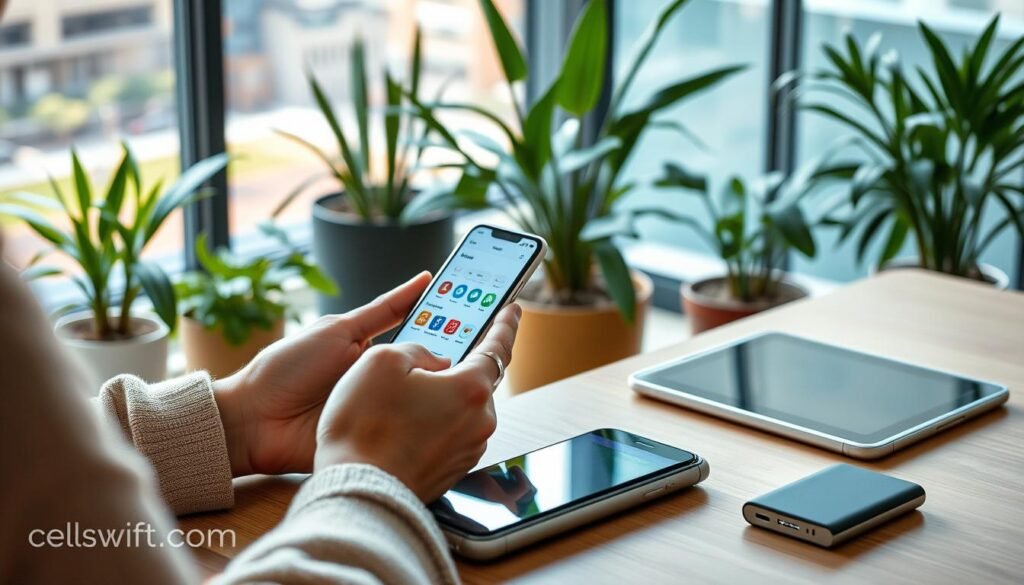
Using these apps makes my day more productive. This helps me fully move to using only a smartphone. Following these steps, embracing tech makes working this way easier and more effective.
Samsung DeX: Turning Your Smartphone into a Desktop Experience
In today’s world, the digital nomad lifestyle is more popular than ever. With Samsung DeX, you can turn your smartphone into a desktop setup. This lets you work better, using monitors or TVs, without giving up the comfort of your phone.
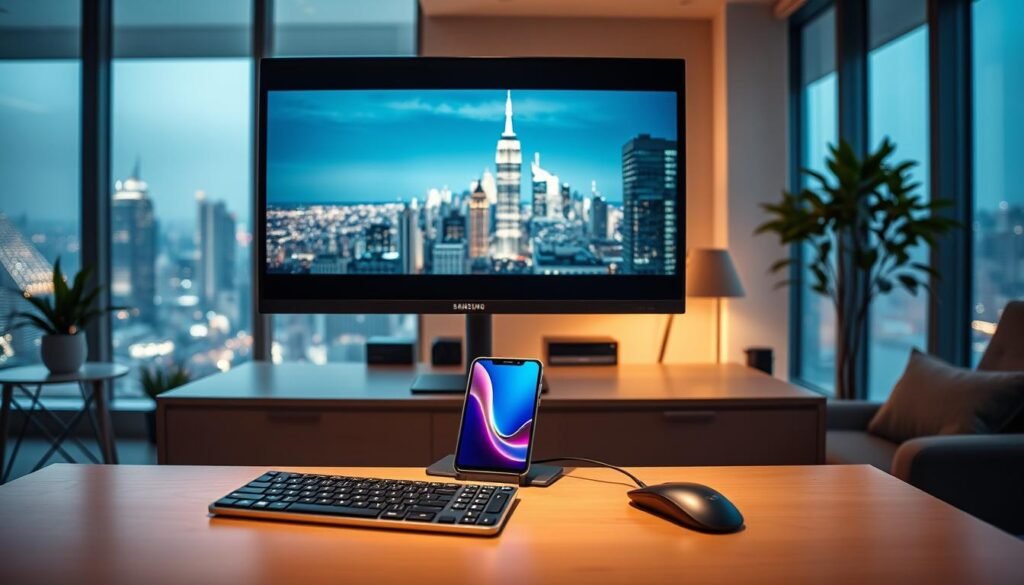
Getting Samsung DeX to work is easy, with various options to connect. I can link up wirelessly with TVs that have Miracast. But, the experience might change based on the TV’s specs and your WiFi. For the best wireless connection, Samsung Smart TVs from 2019 or later are the top choice.
Samsung DeX has two modes: New DeX and Classic DeX. Classic DeX looks like a regular computer desktop. It lets you open many apps at once. You can also tweak your display settings and how you use keyboards and mice, making things work just right for you.
With extra tools like the Book Cover Keyboard, productivity gets a big boost. This keyboard has a bigger trackpad and extra keys. It makes navigating and managing tasks in Samsung DeX really smooth.
To use Samsung DeX on a PC, I make sure my system meets the requirements. You need Windows 10 or newer, at least 4GB of memory, and the right processor. This setup makes sure everything runs well, turning my phone into a powerhouse for work on the go.
With Samsung DeX, using just my smartphone for work is truly possible. It can even take the place of a laptop for many tasks. For help with setup and features, I check out Samsung’s official support page.
Challenges of Going Mobile-Only
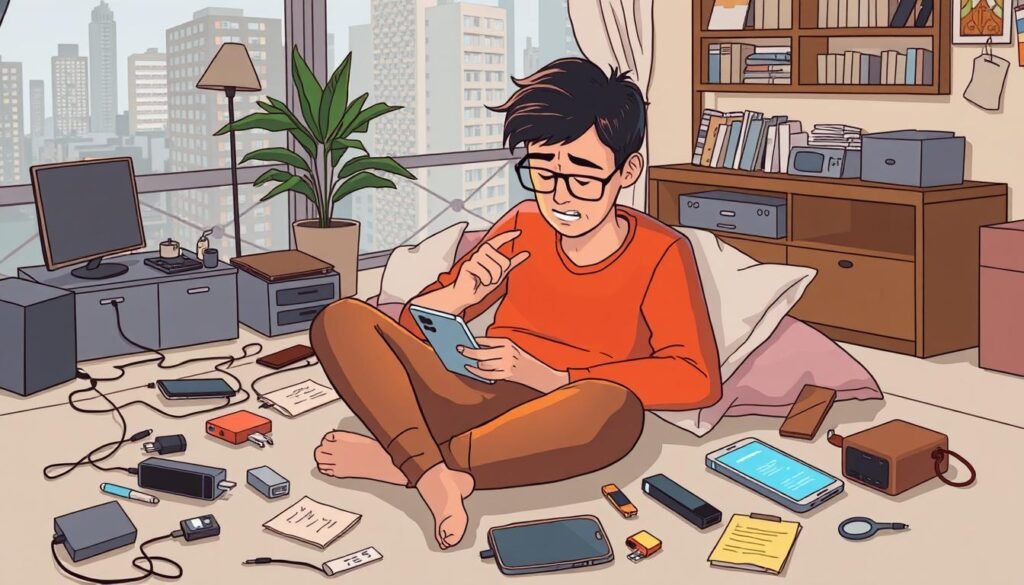
Living with only a smartphone is an exciting idea, but it’s not easy. One big issue is how small the screen is. Another problem is that some apps don’t work as well on phones. Using a smartphone all the time is handy but doing long tasks on a tiny screen is hard. Trying to edit documents or work on spreadsheets can be annoying. Also, not all apps run smoothly on phones. Some, meant for computers, don’t do well on mobile.
Screen Size Limitations
Having a smaller screen can be a big problem. It gets really frustrating if you use it a lot. I miss the big screen of a laptop, which is better for creating stuff or doing many things at once. Some big-screen phones try to make this better, but it’s still not the same. This makes it hard to work fast. Sometimes, it makes me think twice about using only my phone for everything.
Application Compatibility Issues
Another big issue is when phone apps can’t do everything computer apps can. For complex tasks like video editing or high-level graphic design, phone apps just aren’t good enough. I’ve seen apps like Adobe Premiere Pro that just don’t work well on my phone. If you want to work only with your phone, you have to really think about if it can handle your tasks. Knowing these problems is important. It can help you avoid trouble, especially in business where the right tools are crucial for success.
It’s good to know the limits of living with just a smartphone. Studies show that phone tech needs to get better. This will make sure phones work well with all sorts of apps in the future. For tips on dealing with phone connections, I found this resource super useful.
| Challenge | Description |
|---|---|
| Screen Size Limitations | Compact screens hinder long tasks, causing frustration. |
| Application Compatibility Issues | Not all applications function well on mobile, limiting productivity. |
Benefits for Remote Workers and Digital Nomads
Living the mobile life brings many perks for those working remotely or as digital nomads. With the right tools, I always stay connected. This makes switching from coffee shops to coworking spaces to my home office smooth.
Firstly, being portable is a big plus. With my smartphone and key apps, I stay productive without heavy gear. This matters a lot since more jobs are going remote. Working well without a fixed desk boosts my efficiency big time.
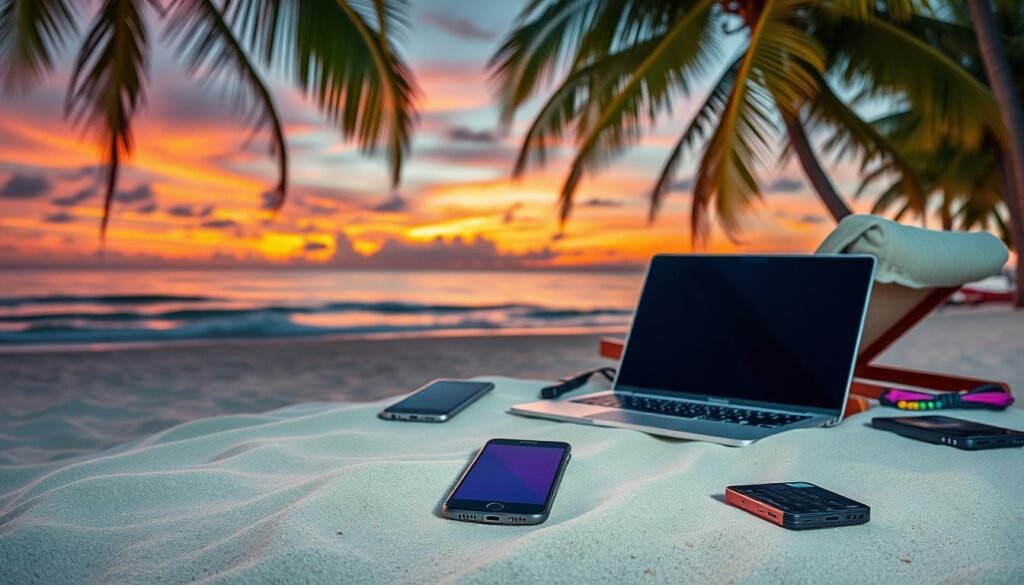
Today’s smartphones are so powerful, I can do almost anything, like video calls or managing projects. This tech lets me live a focused life, with fewer distractions. Setting limits on calls, texts, and emails helps keep my productivity clear.
Smartphones fit right into the remote working lifestyle. By choosing only must-have apps and cutting down on notifications, I gain more control. This careful management of my digital life boosts my work and my happiness.
In conclusion, a mobile-only lifestyle lets me excel in various settings. It meets my remote work needs and adds excitement to my digital nomad journey.
Conclusion
Looking back at my mobile-only lifestyle journey, I’ve found that living just with a smartphone isn’t just doable—it’s becoming more attractive. Thanks to tech advancements, like Samsung DeX, we have strong options that can take on laptops. I’ve seen boosts in how much I get done and how flexible I can be. Likewise, Gemma Cairney and Clive Myrie talked about enjoying less time on their phones and fewer pickups after a digital detox. This shows how a switch to mobile-only can lead to better habits.
Sure, there are some bumps in the road to going mobile-only, like dealing with smaller screens and finding the right apps. But, from what I’ve seen, the good stuff overwhelms the bad. Going smartphone-only has saved me money and made it easier to handle my daily chores.
Being mobile-only isn’t just a passing fad—it’s a smart way to keep up with our quick-moving online world. Using today’s smart devices gives me the power to adapt and excel in a mobile-only life. It’s made things more efficient for me, and I’m getting more out of it.
FAQ
Can I really rely on my smartphone as my only computing device?
What features should I look for in a smartphone for a mobile-only lifestyle?
Are there any drawbacks to going mobile-only?
How can a mobile-only lifestyle benefit remote workers?
How can I plan my transition to a mobile-only lifestyle?
Source Links
- https://www.npr.org/2024/08/08/g-s1-15391/how-to-switch-from-a-smartphone-to-a-basic-phone – Overwhelmed by your smartphone? Switching to an old-fashioned flip phone might help
- https://www.wired.com/2015/02/smartphone-only-computer/ – In Less Than Two Years, a Smartphone Could Be Your Only Computer
- https://rapidweblaunch.com/blog/minimalists-guide-simplifying-iphone/ – A Minimalist Guide to Simplify Your Smartphone
- https://www.hospitalityupgrade.com/magazine-articles/mobile-first-mobile-only-mobile-now – Mobile First, Mobile Only, Mobile Now
- https://www.linkedin.com/pulse/mobile-only-get-you-ahead-businessyet-anthony-gerstner – Mobile-Only Will Not Get You Ahead in Business…Yet
- https://blog.mobiversal.com/the-impact-of-mobile-technology-in-our-daily-life.html – The Impact of Mobile Technology In Our Lives
- https://www.aarp.org/home-family/personal-technology/info-2023/how-smartphones-changed-lives.html – 16 Ways That Smartphones Have Changed Our Lives
- https://www.bbc.com/future/article/20230331-the-surprising-way-cellphones-changed-our-lives – The surprising ways cellphones have changed our lives
- https://www.aarp.org/home-family/personal-technology/info-2023/smartphone-features.html – These 50 Smartphone Features Can Make Your Life Easier
- https://www.plettselectronics.com/the-ultimate-guide-to-choosing-your-next-smartphone-features-vs-price/ – The Ultimate Guide to Choosing Your Next Smartphone | PE
- https://www.worldpackers.com/articles/mobile-living – Mobile living: embracing a nomadic lifestyle
- https://www.v9digital.com/resources/guides/guide-to-lifestyle-marketing/ – Lifestyle Digital Marketing Guide
- https://www.npr.org/transcripts/1196979947 – < Overwhelmed by your smartphone? Try a boring phone
- https://catherineprice.substack.com/p/smartphone-alternatives – The Choose-Your-Own-Adventure Guide to Smartphone Alternatives
- https://www.samsung.com/us/apps/dex/ – Samsung DeX | Apps & Services | Samsung US
- https://www.samsung.com/ph/support/mobile-devices/how-to-use-samsung-dex-for-pc/ – How to use Samsung Dex for PC
- https://www.makeuseof.com/tag/samsung-dex-phone-computer/ – What Is Samsung DeX? Use It to Turn Your Phone Into a Computer
- https://www.cnet.com/tech/mobile/can-smartphones-bridge-the-digital-divide-the-answer-is-complicated/ – Can Smartphones Bridge the Digital Divide? The Answer Is Complicated
- https://www.slideshare.net/slideshow/altimeter-mobile-cx-final/51264693 – The Inevitability of a Mobile-Only Customer Experience
- https://www.endsleigh.co.uk/blog/post/the-survival-guide-to-living-without-a-mobile-phone/ – How to survive without a phone
- https://forge.medium.com/a-radical-guide-to-spending-less-time-on-your-phone-a5419b1538ee – A Radical Guide to Spending Less Time on Your Phone
- https://bemorewithless.com/less-phone-more-heart/ – Spend Less Time on Your Phone with These 15 Little Tricks
- https://freedom.to/blog/spend-less-time-on-your-phone/ – How To Spend Less Time on Your Phone: A Guide to a Happier, More Productive Life
- https://www.theguardian.com/technology/2018/jan/13/how-to-quit-your-tech-phone-digital-detox – How to quit your tech: a beginner’s guide to divorcing your phone
- https://www.ncbi.nlm.nih.gov/pmc/articles/PMC4873621/ – Using Mobile Apps to Promote a Healthy Lifestyle Among Adolescents and Students: A Review of the Theoretical Basis and Lessons Learned